ArtPromptGenerator
✦ The Storyboard Studio

Story Scene & Keyframe Art Prompt Generator

Draw the moment that changes the story.

Our story scene art prompt generator helps you create cinematic drawing ideas for dramatic encounters, emotional moments and visual storytelling. Choose a scene, frame the action and explore lighting, mood and camera perspective.

10 cinematic story themesCamera angles, mood & lighting controlsFor storyboards, keyframes & illustrations
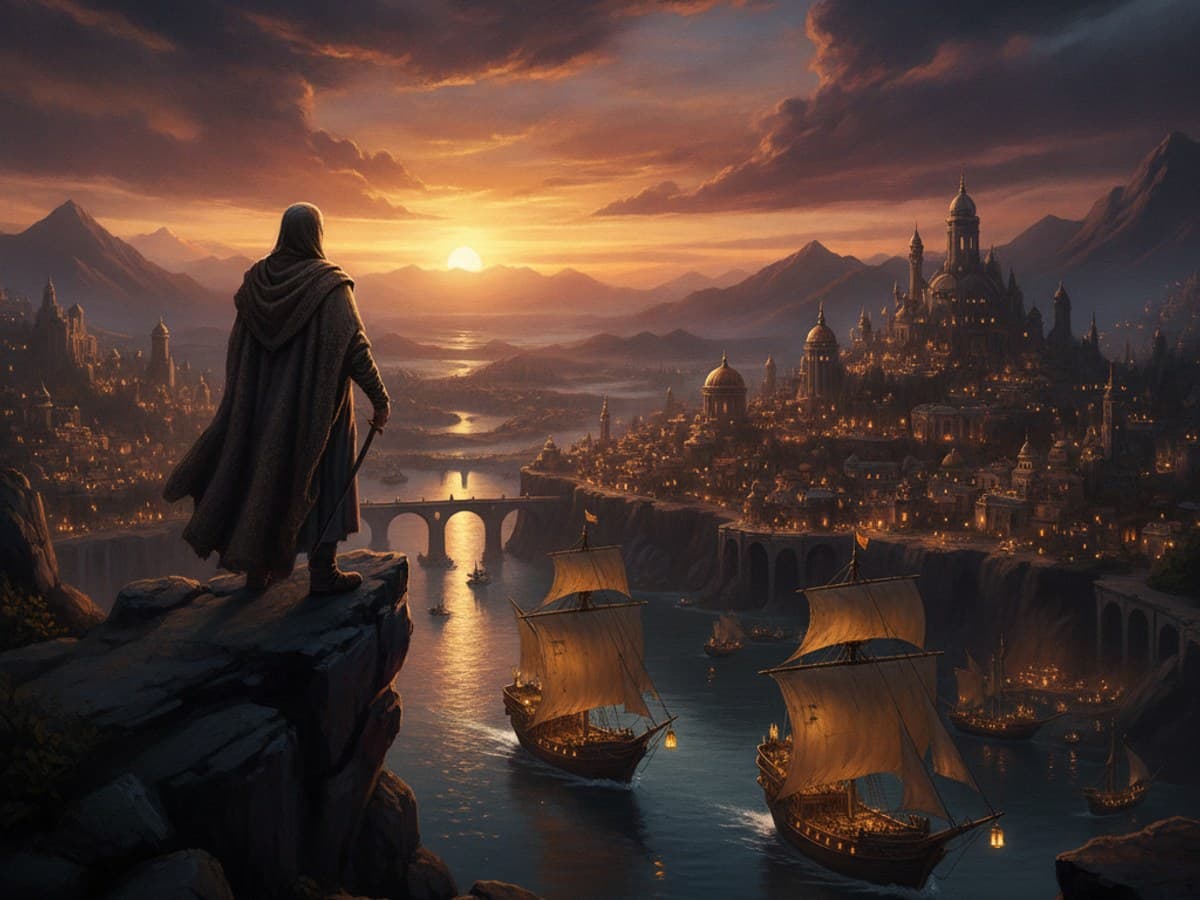
Illustrated cinematic storyboard frame with a silhouetted traveler overlooking a golden coastal city at dusk and a dramatic sky
◉ Shot • Mood • Story

Cinematic scene study

Your cinematic scene studio

Build a frame that tells a story

Choose a narrative moment, introduce your characters and frame the action with lighting, mood and shot type. Create a written prompt you can interpret in your own art style.

Selected discipline: Story Scenes & Keyframes
01

1. Choose a story scene or keyframe theme

Pick the kind of moment you want to illustrate, or enter a custom scene to begin with.

Add an action or emotion that would make this moment worth illustrating.
02

2. Canvas format

Create detailed art prompts you can use with your favorite AI image generator.

03

3. Direct the action, setting and cinematography

These eight controls describe what happens in the frame and how the audience experiences it.

✧ Optional Advanced Controls & Engine Flags▼

Fine-tune cinematographic blocking, depth planes, narrative continuity, and engine-level parameters.

Six moments to draw or storyboard

Cinematic Story Scene Prompts & Keyframe Ideas

Try these original scenes for storyboarding, film still illustrations, concept art and creative drawing. Each prompt gives you a story beat, a composition and a mood without prescribing every detail.

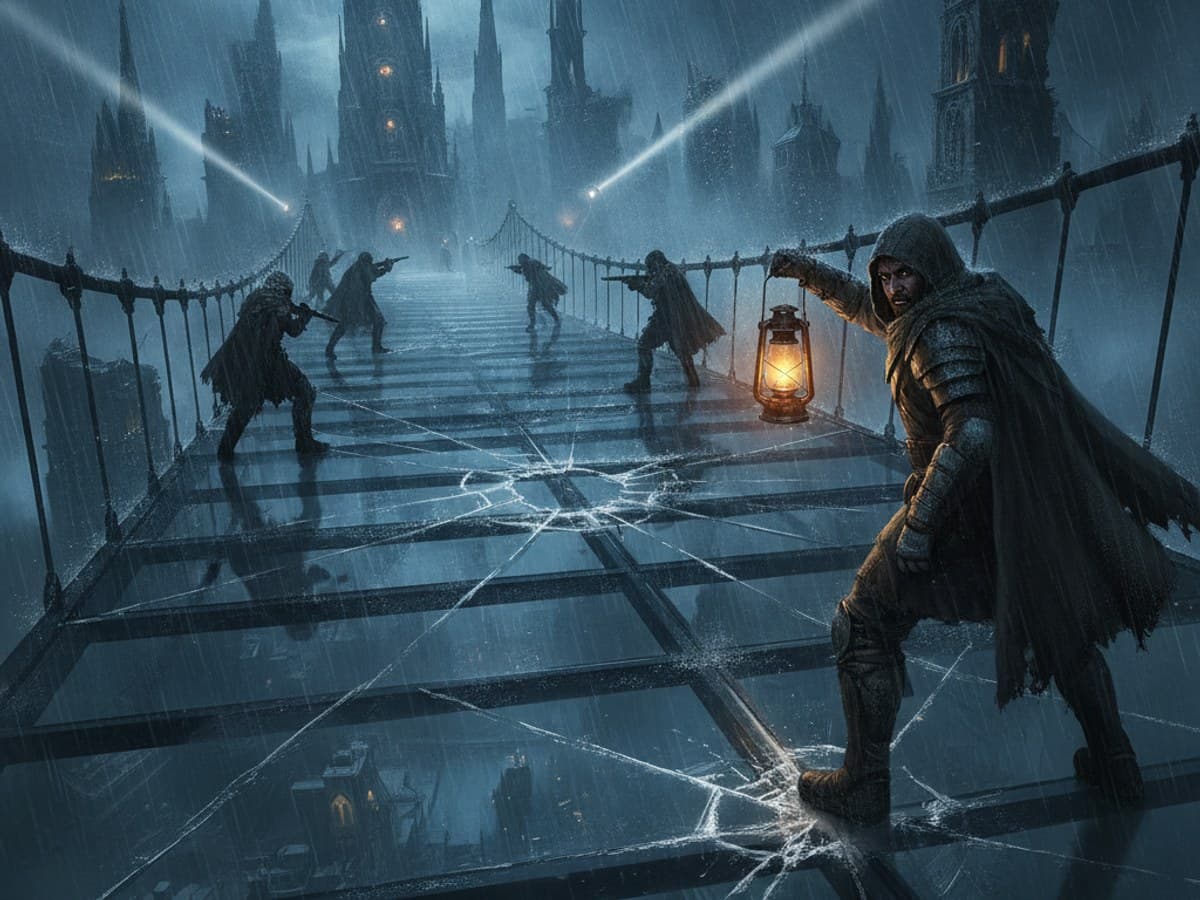
The Last Stand at the Glass Bridge: cinematic wide shot of defenders on a shattered glass bridge above a flooded misty city with dramatic searchlight beams
Epic Battles

The Last Stand at the Glass Bridge

Illustrate the instant before a small group of defenders crosses a shattered glass bridge above a flooded city. One character looks back as a distant searchlight sweeps across the mist. Use a wide shot, strong diagonal lines and a single warm lantern to identify the focal point. Keep the crowd and architecture simplified so the decision is clear at first glance.

Ready to Copy
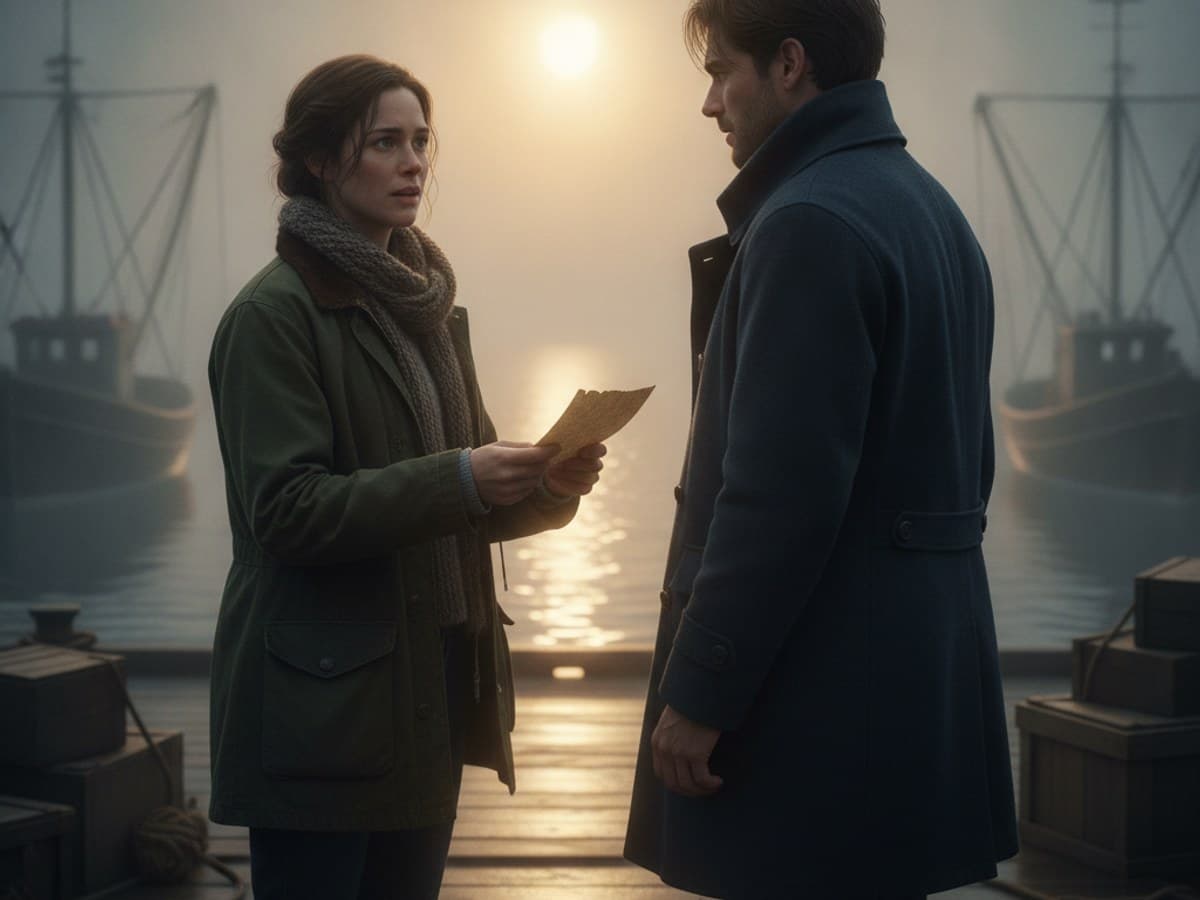
The Letter at Sunrise: medium two-shot of two estranged siblings meeting on a misty harbor pier in the soft golden morning light
Emotional Moments

The Letter at Sunrise

Draw two siblings meeting at a quiet harbor after years apart. One holds an unopened letter, while the other pauses a step away. Frame them in a medium two-shot with space between their silhouettes. Let soft morning light touch their faces and use small details, such as a worn travel bag, to suggest what happened before this moment.

Ready to Copy
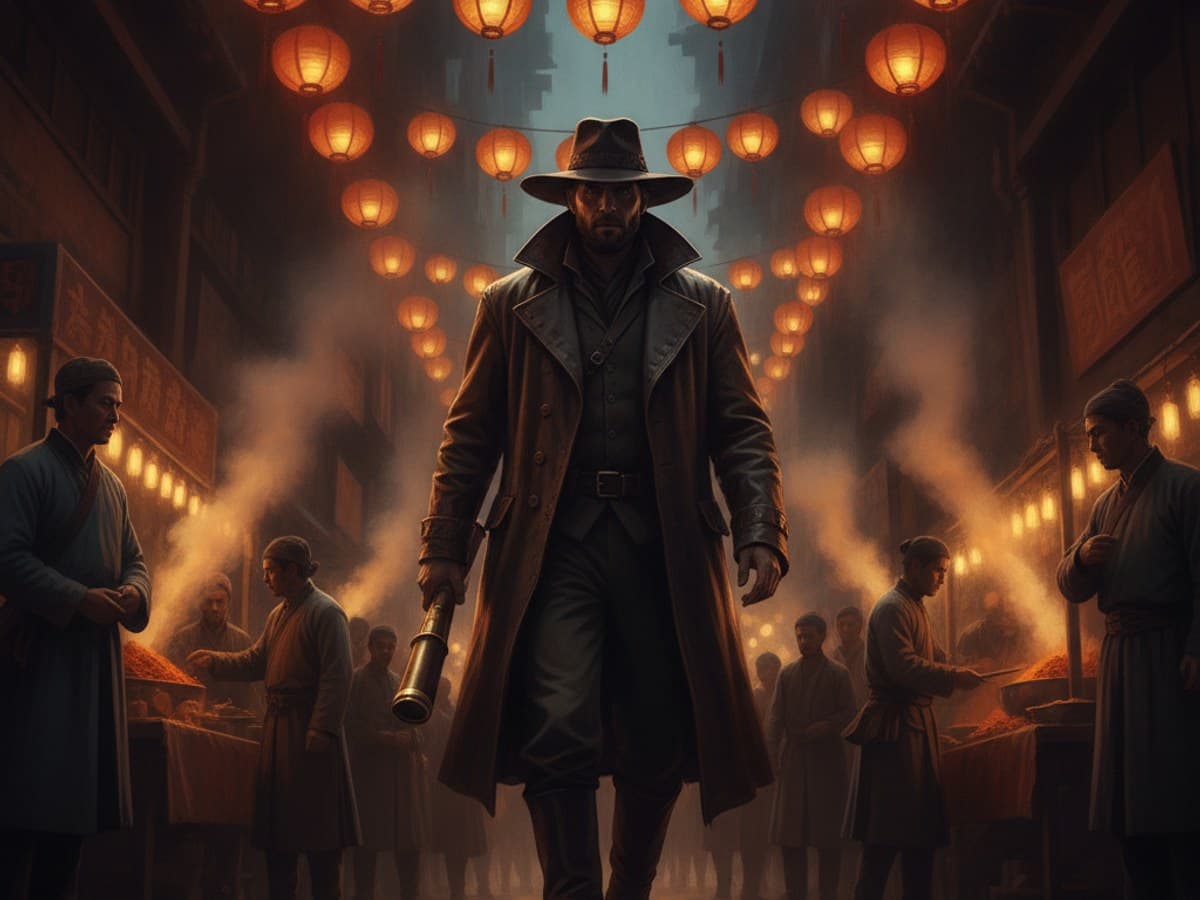
The Stranger in the Lantern Market: low-angle entrance of an enigmatic cloaked traveler entering a vibrant night market under glowing silk lanterns
Character Introductions

The Stranger in the Lantern Market

Introduce a mysterious traveler entering a lively night market beneath paper lanterns. Compose a low-angle frame from behind a stall, with the figure’s distinct coat and satchel standing out against the crowd. Use warm overhead light, cooler shadows and an open path through the composition to guide the viewer’s attention toward the newcomer.

Ready to Copy
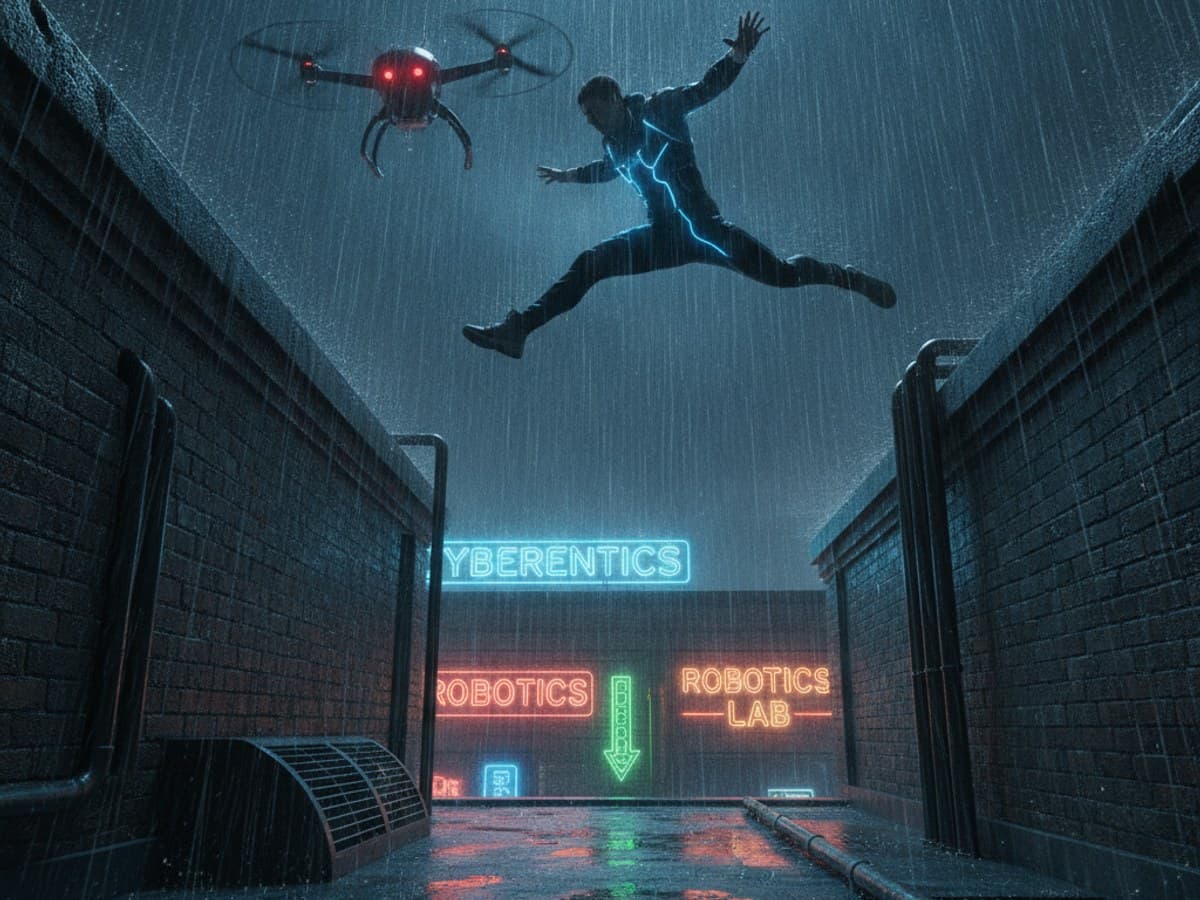
The Rooftop Run in the Rain: dynamic tilted keyframe of an athletic escape leaping across rain-slicked city rooftops pursued by a surveillance drone
Chase & Escape Scenes

The Rooftop Run in the Rain

Freeze a rooftop escape as an inventor leaps between two buildings while a security drone closes in. Place the jumping figure against a pale strip of sky for a clear silhouette. Tilt the viewpoint slightly and use rain streaks, lit windows and receding rooflines to convey speed. Keep the landing point visible so the action reads instantly.

Ready to Copy
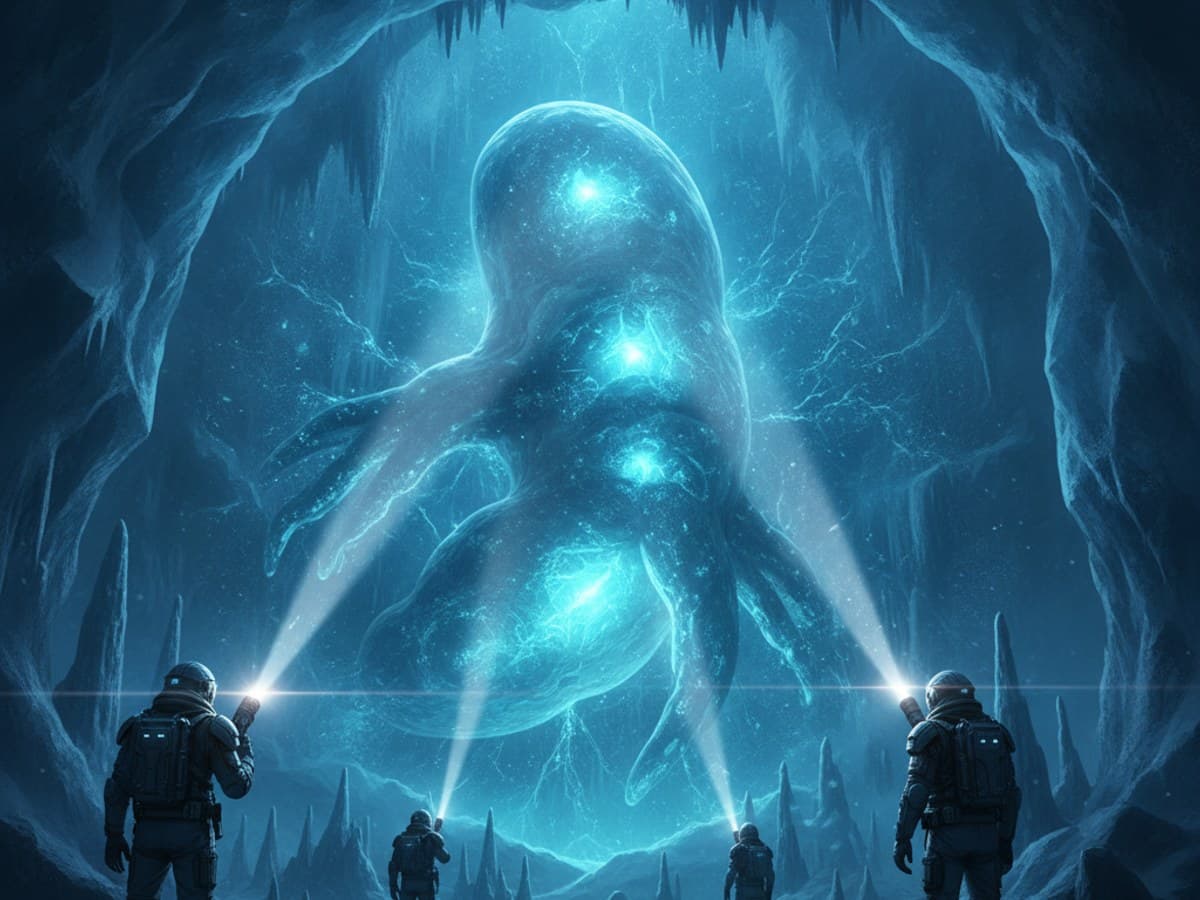
Signals Beneath the Ice: polar research explorers illuminating an ethereal glowing bioluminescent organism frozen deep within a translucent glacier
First Contact

Signals Beneath the Ice

Create a cinematic first-contact scene inside a polar research cavern. Two explorers hold their lights toward a calm, luminous shape beneath translucent ice. Use an over-the-shoulder viewpoint, restrained blue-green tones and reflected light on the cave walls. The encounter should feel uncertain but curious, with scale and posture doing more work than visual effects.

Ready to Copy
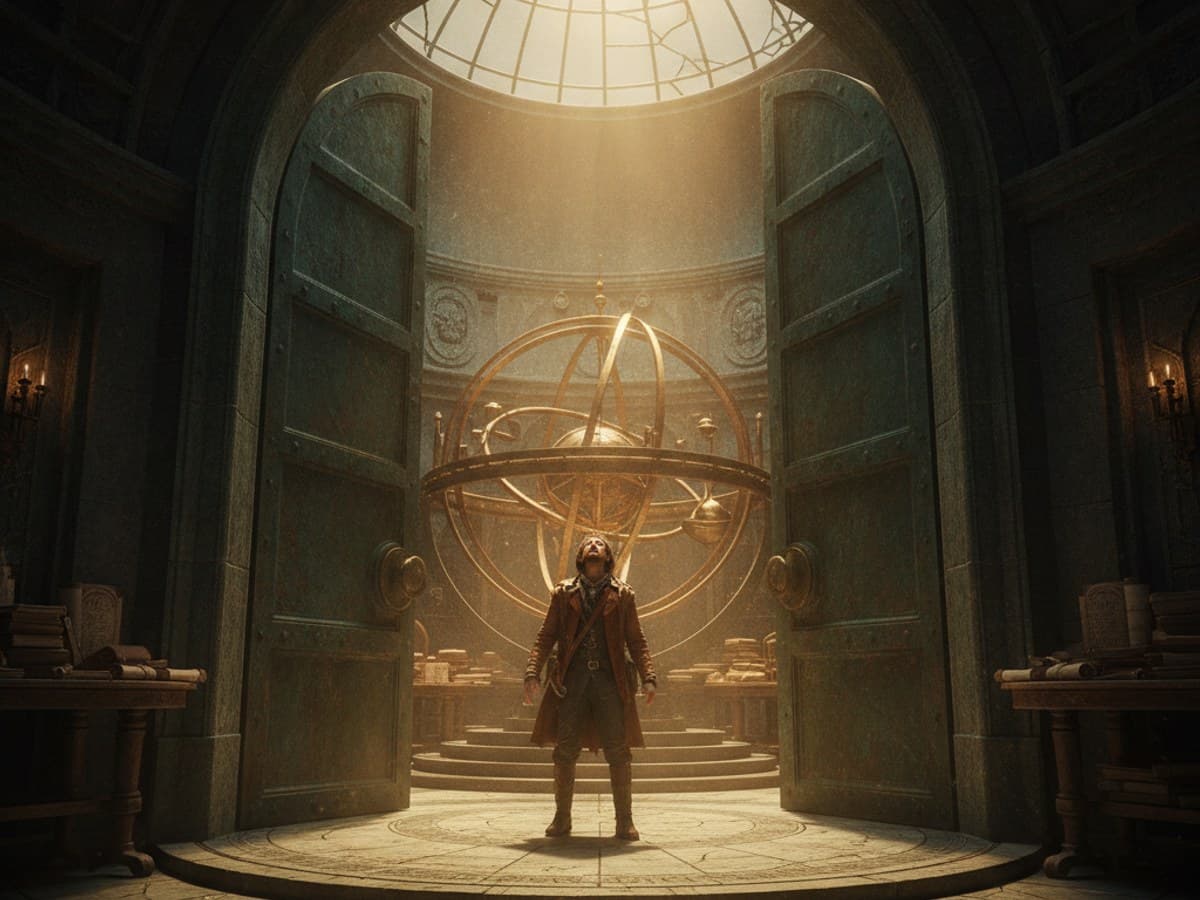
The Observatory Door Opens: wide dramatic keyframe of an open copper observatory dome revealing a monumental rotating cosmic mechanism in dusty sunbeams
Discoveries & Revelations

The Observatory Door Opens

Illustrate a cartographer discovering that the abandoned observatory roof conceals a vast rotating star map. Capture the moment the hidden chamber opens: dust hangs in a shaft of light and the character’s small silhouette faces the enormous mechanism. A wide establishing frame, layered depth and one bright focal area help communicate wonder and revelation.

Ready to Copy

These are written art prompts. Adapt the camera angle, characters, and medium to suit sketching, illustration, storyboards or digital concept art.

A practical formula for cinematic drawing

A memorable scene shows a change, not just a place.

Start with the story beat: a choice, discovery, confrontation or quiet reaction. Then decide whose experience matters most. A character's gesture can reveal more than a paragraph of backstory.

Build around a focal point, depth and one clear light source. A strong cinematic keyframe should still communicate the moment when viewed as a small thumbnail.

Story beatCamera framingRule of thirdsShot compositionColor scriptingVisual storytelling
01 · Identify the turning point.

Turning Point

Explain what happened just before the frame and what is about to change. A reveal, hesitation or sudden arrival gives the illustration direction.

02 · Place the viewer with intention.

Camera Placement

Choose a wide establishing shot for geography, a close-up for emotion, or an over-the-shoulder frame for a personal encounter. Camera position changes what we understand.

03 · Arrange a readable composition.

Readable Composition

Separate foreground, middle ground and background. Use eye lines, negative space, contrast and leading lines to make the central action easy to find.

04 · Design the light and aftermath.

Light & Aftermath

Decide whether sunlight, practical lamps, moonlight or a storm shapes the mood. Include one environmental clue that hints at the bigger story without cluttering the frame.

The visual language of storytelling

Four Principles of Strong Cinematic Keyframes

Whether you are drawing a quiet character moment or a dramatic fantasy standoff, these four principles help the viewer read the story without dialogue.

◈

One Clear Focal Point

Use framing, contrast and eye lines to guide attention. The most important action should be easy to recognize before viewers notice background details.

▣

Camera Distance Changes Emotion

A wide shot explains place and scale, while a close-up reveals a reaction. An over-the-shoulder view makes a conflict feel personal.

☼

Lighting Shapes the Story

Backlighting can isolate a silhouette; practical lamps create intimacy; strong directional light adds tension. Color temperature can reinforce the mood.

↗

Motion Needs Direction

For chases and confrontations, show a readable path of movement. Diagonals, gestures, blurred rain and clear spacing can suggest action in a single still.

Turn choices into a story

How the Story Scene & Keyframe Controls Work

The existing controls let you combine a specific story event with an expressive setting, emotional tone and cinematic framing.

Scene type

Pick the narrative moment: a standoff, reunion, discovery, escape, first contact or an establishing view. This establishes the scene’s purpose.

Main characters or subjects

Name the people, creatures or objects carrying the story. Describe their relationship or contrasting roles, not just their appearance.

Action or event

Describe the exact instant to freeze: a hand reaching for a letter, a door opening or someone stepping into danger. Clear action anchors a keyframe.

Setting

Give the scene a grounded location with one or two useful visual details. Architecture, weather and background activity can help explain what is at stake.

Mood

Choose an emotional direction such as quiet anticipation, grief, wonder or triumph. Match gestures, spacing and color to that feeling.

Time of day

Set the hour or lighting event: first light, rainy afternoon, moonlit night or solar eclipse. Time influences both atmosphere and visibility.

Art style

Choose a cohesive rendering approach: painted storyboard, graphic novel, animation keyframe or cinematic film still. Keep the visual treatment consistent.

Shot type

Decide where the viewer stands. Wide shots show geography, close-ups reveal emotion, and over-the-shoulder frames place viewers inside a conversation or standoff.

Production note: retain all eight original control types and their complete real dropdown option lists. The extra choices in this static reference are visual examples, not replacements for the live app.

Frequently asked questions about scene art

Story Scenes & Keyframes: Art Prompt FAQs

Helpful answers about cinematic drawing ideas, shot composition, storyboarding, keyframe illustration and visual storytelling.

What is a story scene art prompt generator?+

It creates written ideas for moments you can draw, paint or illustrate, such as a reunion, confrontation or discovery. You can shape the subject, setting, action, mood, art style and camera position before creating the prompt.

What is the difference between a storyboard and a keyframe?+

A storyboard usually uses a sequence of simple panels to plan actions and camera shots. A keyframe is a more developed image that communicates the look, mood or decisive moment of a scene. Both can start from the same written prompt.

How do I create cinematic drawing prompts?+

Start with one clear story event, identify the main character or subject, then choose a setting and camera framing. Add lighting and mood that support the scene. Avoid introducing too many competing actions in a single frame.

Which camera angle is best for a dramatic confrontation?+

An over-the-shoulder shot can make a disagreement personal; a wide shot reveals the distance between characters; and a low angle can emphasize a threatening presence. Choose the angle based on what the viewer needs to feel or understand.

How can I show emotion without dialogue?+

Use posture, facial expression, eye lines, personal space and meaningful props. A character hesitating before an embrace can be more expressive than a crowded scene filled with exaggerated gestures.

What makes a good cinematic establishing shot?+

An establishing shot introduces where the action takes place and its scale or atmosphere. Use foreground and background layers, a recognizable landmark, and a small narrative clue such as approaching weather or a lone figure.

How do I make an action scene readable in one still image?+

Freeze the most revealing moment of the action. Give the character a clear silhouette, keep the direction of movement understandable and leave visual space along the intended path. Use motion cues only where they strengthen readability.

Can I create prompts for emotional scenes and quiet moments?+

Yes. The Emotional Moments and Quiet Character Moments themes are useful for reunions, farewells, private decisions and reflective scenes. Soft lighting, close framing and restrained gestures often work well.

Which art styles work well for cinematic keyframes?+

Painterly concept art, digital matte painting, graphic-novel illustration, animation color keys and film-still-inspired images can all work. The best choice depends on whether you want to plan a sequence, explore lighting or finish a standalone illustration.

Does the tool produce storyboards or finished video footage?+

This category generates written scene ideas and prompts, not finished films or automatically sequenced storyboards. You can use the descriptions to draw your own frames or adapt them for compatible image-generation tools.